Transactions Details
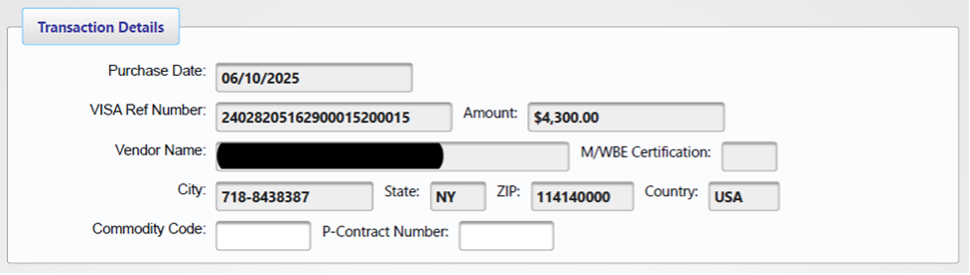
The Transaction Details section allows for review and modification of individual transaction information.
Accessing Transaction Information:
- Locate the desired transaction in the statement view.
- Click the "Edit" button in the rightmost column.
- The system displays the detailed transaction page.
Displays JP Morgan-provided information:
- Reference number.
- Transaction amount.
- Vendor details.
All J.P Morgan data remains read-only. Optional entries available:
- OGS Commodity Code.
- Statewide Contract number.
Funding Information Management:
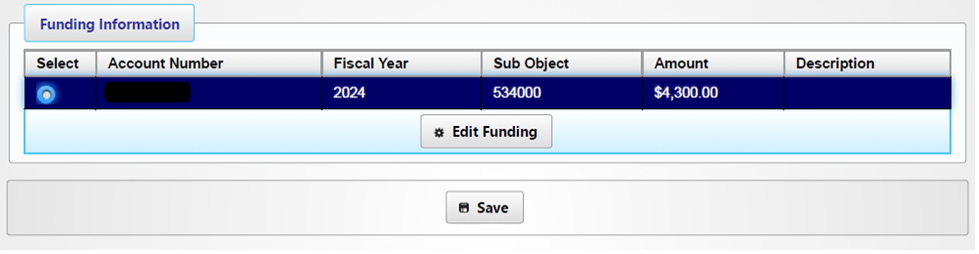
- Access funding details in the Funding Information section.
- Select "Edit Funding" to modify transaction details.
- Modification options include:
- Account Number.
- SUNY Sub Object Code.
- Fiscal Year.
Complete Process:
- Select "Save Transaction" after making the necessary modifications.